How to Read Old Family Postcards with OCR
When to use this workflow
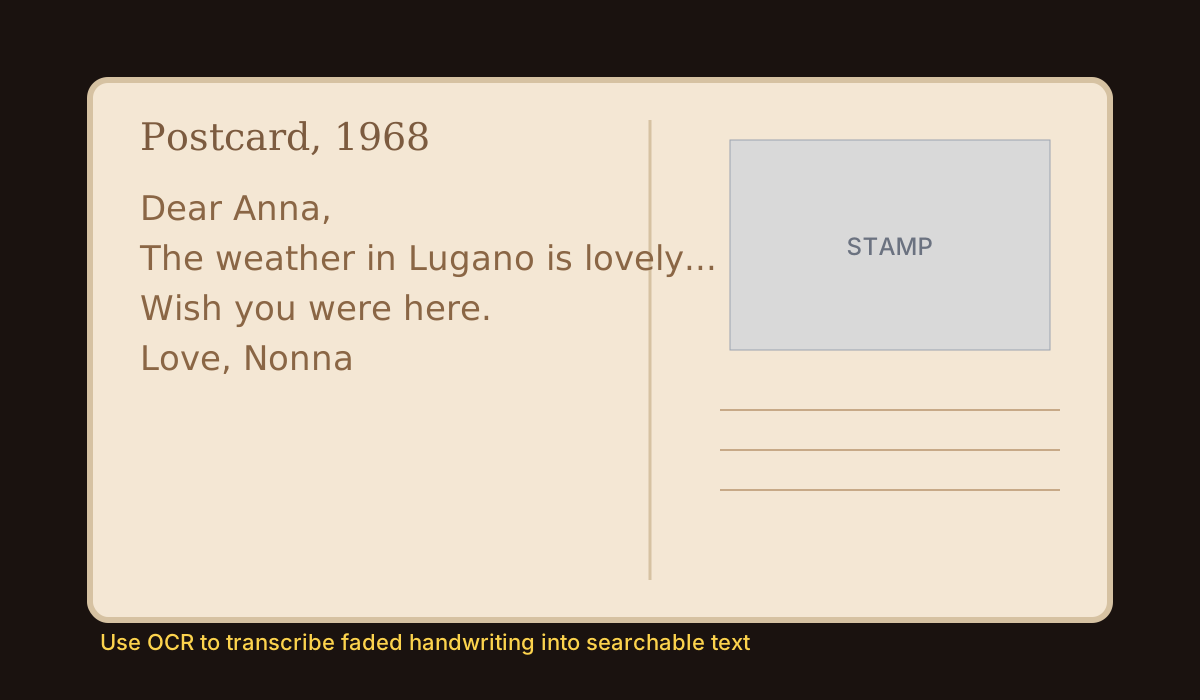
Use this when old postcards from your parents or grandparents are hard to read because of handwriting, fading ink, or low-quality photos. OCR helps you extract readable text so family history can be preserved and shared.
How to do it
- Step 1: Photograph or scan the postcard with good light and upload it to OCR.
- Step 2: Run extraction and check names, place names, and dates first since these are usually the most valuable details.
- Step 3: Correct uncertain words while comparing with the original image, especially cursive letters.
- Step 4: Save the final text next to the postcard image in your family archive or notes app.
Comparison with other tools
Phone scanner apps are convenient for quick captures, but they often prioritize clean documents and can struggle with faded ink or stylized handwriting on postcards.
Large OCR platforms like Google Cloud Vision or AWS Textract are powerful, but they can be overkill for simple family-archive workflows where you want a fast upload-and-read experience.
How leserli.ch stands out
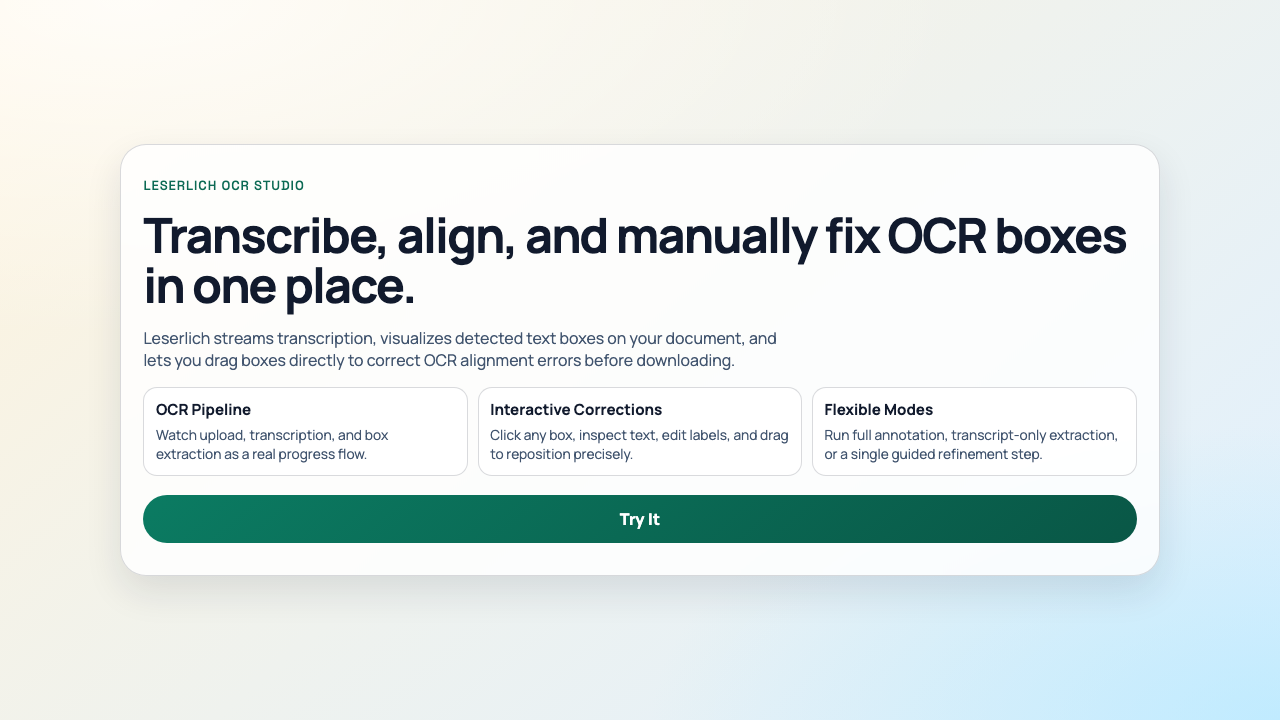
- Simple workflow: Optimized around direct upload-to-text flow without enterprise platform overhead.
- Built for adjacent tasks: OCR sits alongside Diagram to Markup on one domain, useful for mixed image-to-data workflows.
- Fast output handoff: Extracted text is ready to copy and push into notes, data cleanup, or AI post-processing.
Other possible use cases
- Transcribing old letters for family genealogy records.
- Converting photographed meeting notes into action-item checklists.
- Extracting serial numbers and IDs from equipment label photos.
- Building searchable archives from historical paper records.
- Pulling text from screenshots before feeding it into AI summarization flows.