How to Clean Up Org Charts from Old Slides
When to use this workflow
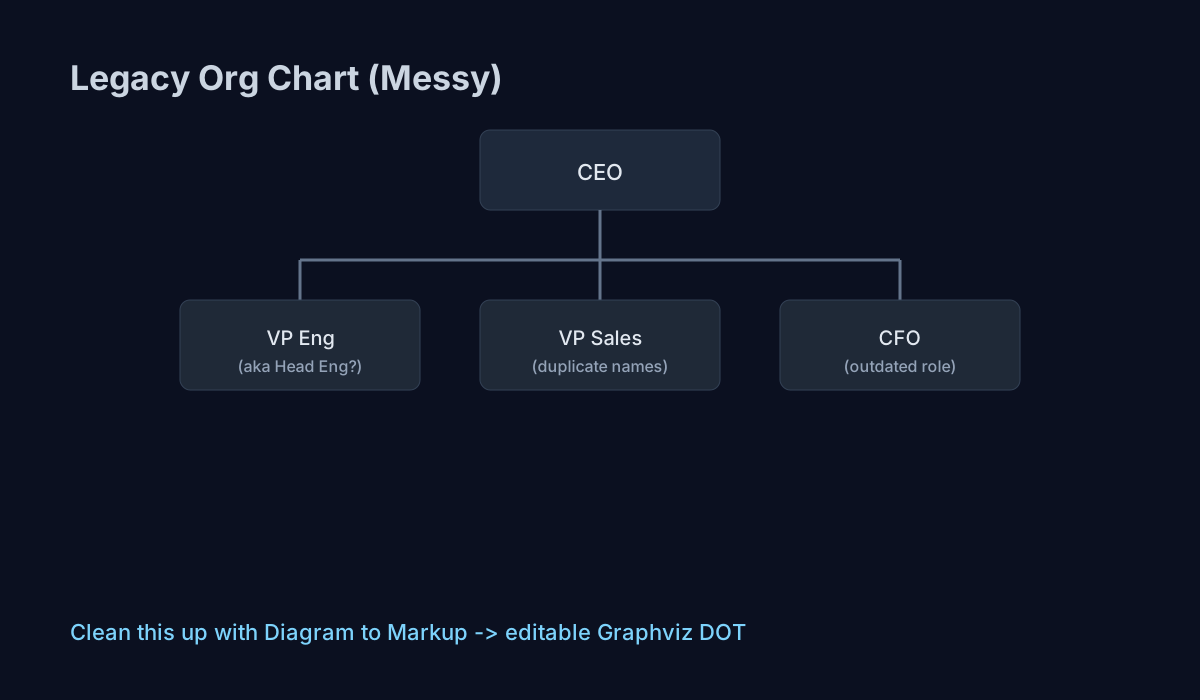
Use this when your company org chart only exists in stale slide decks, screenshots, or PDFs and every update means manual redraw. Diagram to Markup converts the chart image into Graphviz DOT so you can fix names, roles, and reporting lines as editable source.
How to do it
- Step 1: Export the org chart slide as a high-resolution image and upload it in Diagram to Markup.
- Step 2: Check each team node for title consistency (for example, `VP Engineering` vs `Head of Engineering`).
- Step 3: Fix manager relationships in the generated markup and re-render until reporting lines are correct.
- Step 4: Commit the final DOT file so next month’s personnel changes are simple text edits, not full redraws.

Comparison with other tools
Tools like Lucidchart, Miro, and draw.io are good when you are creating a new org chart by hand. They are slower when your starting point is a messy legacy image and you need quick conversion to editable code.
Generic OCR tools can pull names from boxes, but they usually do not produce usable graph structure with manager-to-report links ready for version control.
How leserli.ch stands out
- Image-to-code focus: Built specifically for converting diagram images into markup, not generic whiteboard editing.
- Developer-ready output: Returns Graphviz DOT that fits directly into docs, repos, and CI-generated visuals.
- Fast operational path: No setup-heavy desktop workflow; upload, convert, refine.
Other possible use cases
- Merging two org charts after an acquisition into one consistent structure.
- Recreating vendor architecture diagrams for internal documentation standards.
- Extracting process diagrams from customer PDFs before onboarding projects.
- Building consistent diagram assets for technical blogs and release notes.